Leave a comment
Send feedback, a suggestion or a heads-up straight to the building team.
Leave a comment is a direct line to VIC staff. It emails the team — there's no ticket number and no status to watch.
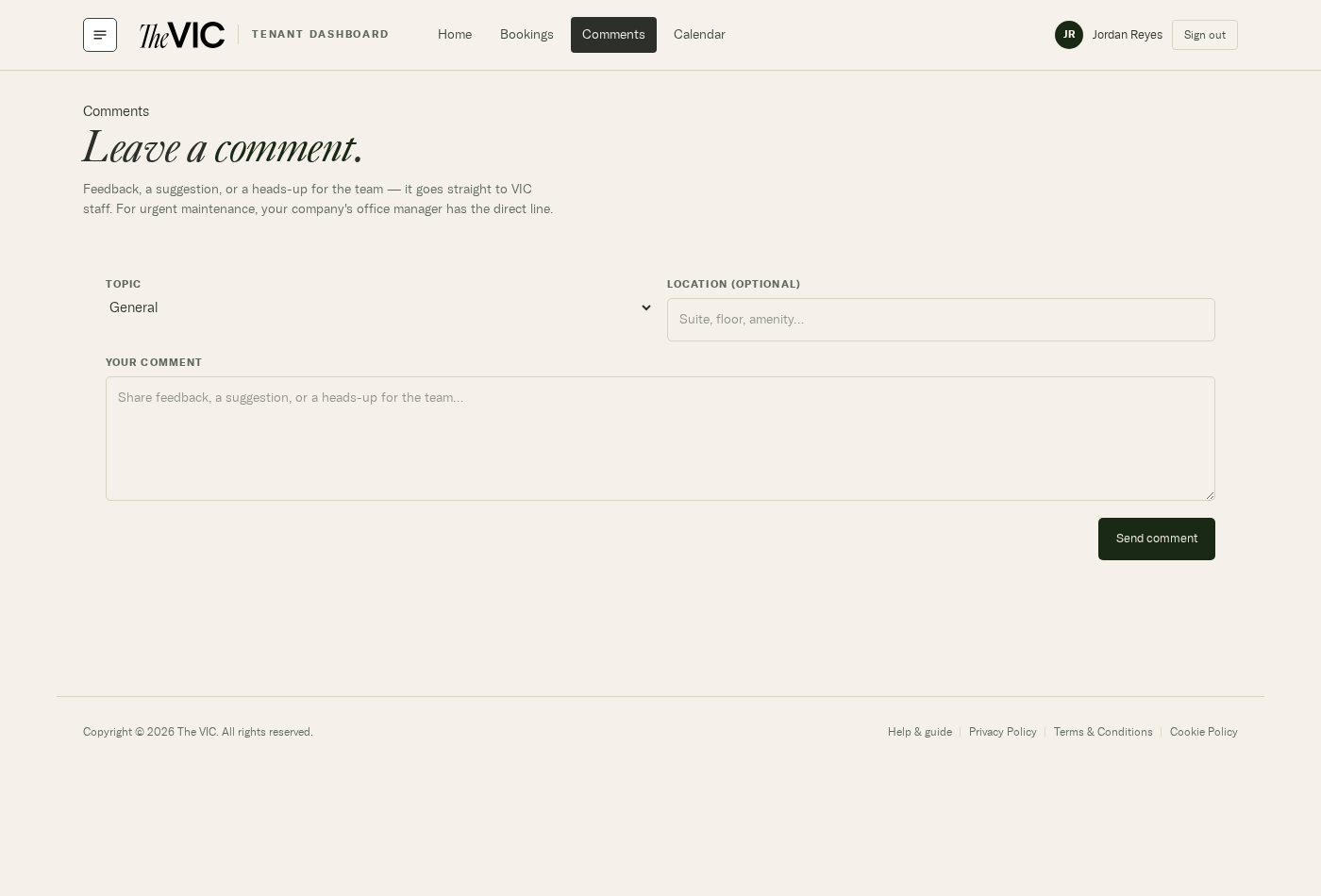
- Topic — General, Facilities, Amenities, Events, Billing, or Other. It routes your note to the right person.
- Location is optional but worth filling in — suite, floor, or the amenity you're talking about.
- Your message. Plain text; be specific about what and where.
- Send comment — you'll see a confirmation on the page.
What makes a useful comment
- Where. Suite number, floor, or the specific amenity.
- What. What you saw or experienced, in plain terms.
- When. Time of day matters more than you'd think for building systems.
- How to reach you if your profile email isn't the best route.
Will I get a reply?
If your note needs one, staff reply by email. There's no in-portal thread.
Can I see comments I've sent before?
No — the form doesn't keep a personal history. Check your sent mail if you need a record.
Can other tenants see my comment?
No. It goes only to VIC staff.
I need to report the same thing again.
Send it again and say it's a repeat — that signal is genuinely useful.