Viewing, changing and cancelling bookings
Where your reservations live, and how to change or release one.
Your reservations sit at the top of Bookings under My upcoming, soonest first. Past bookings drop off the list automatically.
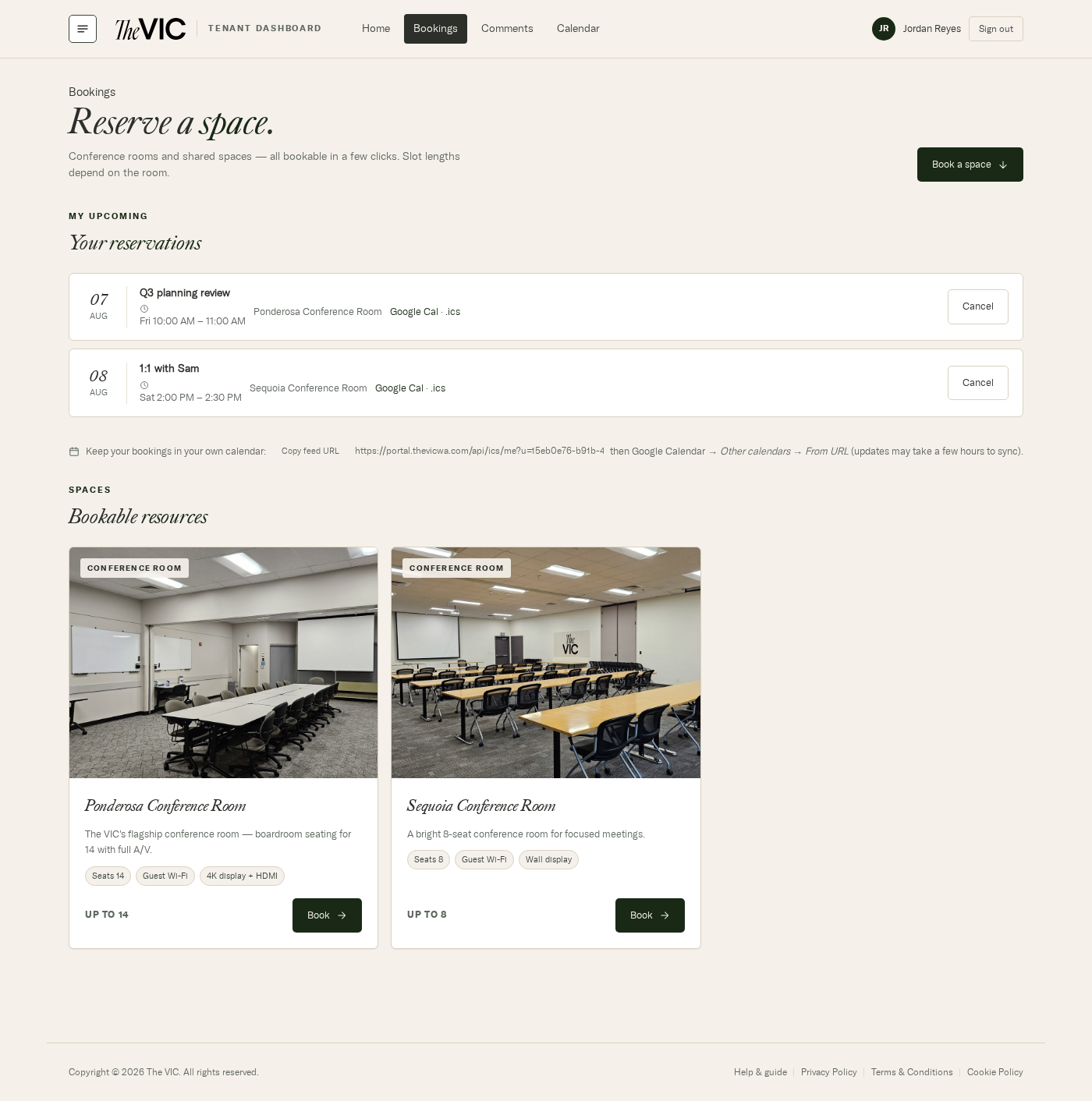
- Each reservation shows the date, time, and room.
- Google Cal adds this one booking to Google Calendar; .ics downloads it for Outlook, Apple Calendar or anything else.
- Edit changes the day, times or notes; Cancel releases the room immediately.
- Subscribe once and every VIC booking you make shows in your own calendar — see Calendar feeds.
- Book opens the room's availability page.
Changing a booking
- Open Bookings.
- Click Edit next to the reservation under My upcoming.
- The room page opens with your booking filled in. Pick another day, or change the start or end time, the title, attendees or notes.
- Click Save changes. If the time moved, you're emailed the new details with fresh calendar links.
Cancelling
- Open Bookings.
- Find the reservation under My upcoming.
- Click Cancel. The time is released straight away and the row disappears.
Can I edit a booking instead of cancelling it?
Yes — click Edit next to it. You can change the day, the start and end time, the title, attendees and notes. To switch rooms, cancel and book the other one.
Can I see other people's bookings?
Only as busy time. Room availability shows taken times as unavailable without revealing who booked them. Building staff can see the full list.
Someone from The VIC changed or cancelled my booking.
Building staff can adjust or release a room when the building needs it, and you're emailed either way. They can see every reservation from the admin console — ask them if it's unexpected.
Does cancelling remove it from my own calendar?
If you subscribed to your personal feed, yes — it drops out on the next sync. A one-off Google Cal or .ics add is a copy, so you'll need to delete that yourself.